Updates, tutorials, and tips.
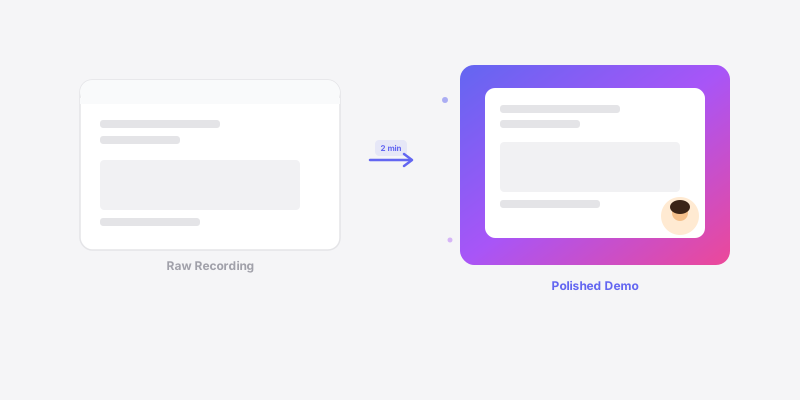
Skip the painful editing step. Here's how to record polished product demos in one pass with auto-zoom, custom wallpapers, and export-ready effects.
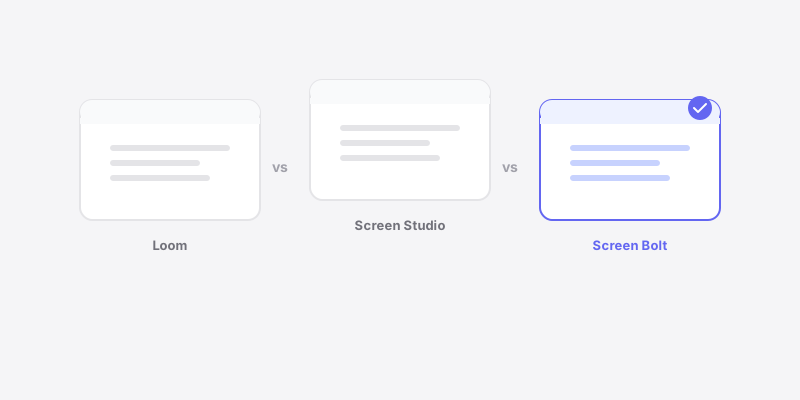
An honest comparison of three popular Mac screen recorders - what each does best, where they fall short, and which one fits different workflows.
Common screen recording mistakes that kill your tutorial quality - and how to fix each one fast.
Stop leaking API keys, Slack DMs, and customer data in your screen recordings. Learn how to blur sensitive info during recording - not after.
Practical tips for developers who want to record coding tutorials that people actually watch - from terminal setup to editing workflow.
Most SaaS landing pages waste their best real estate on text. Here's why a demo video converts better - and how to make one that doesn't suck.
Three ways to add a webcam bubble to Mac screen recordings - OBS, QuickTime workarounds, and Screen Bolt's built-in picture-in-picture.
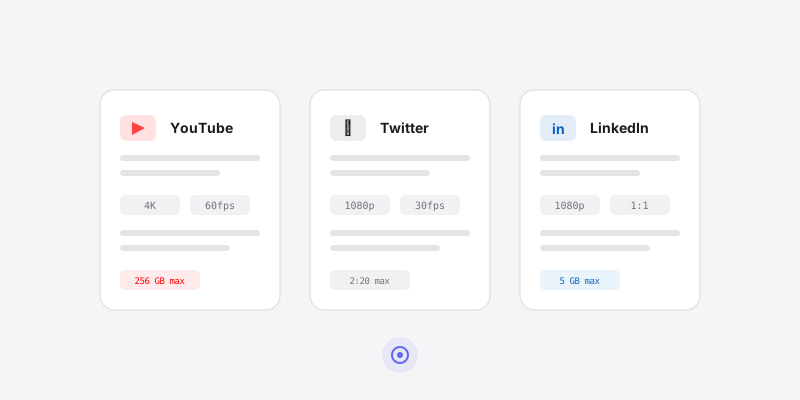
Optimal resolution, frame rate, bitrate, and format settings for screen recordings on YouTube, Twitter/X, and LinkedIn.
Turn rough Slack screen recordings into clean product demos in under 2 minutes with auto-zoom, wallpapers, privacy blur, and webcam overlays.
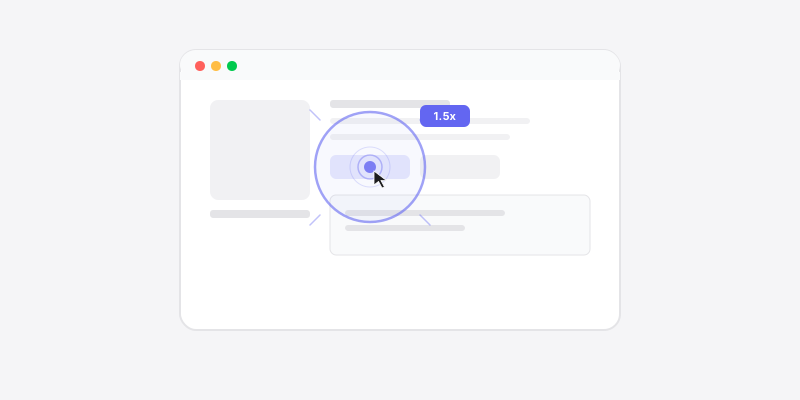
Auto zoom detects your clicks and automatically zooms into the action during screen recordings. Here's how it works and why it makes every recording better.